
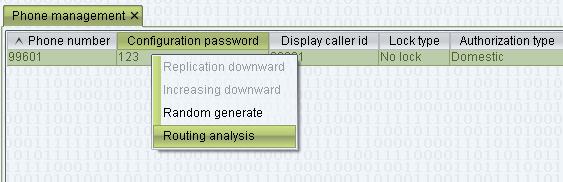
1. Right click the “mapping gateway” or “phone”, select “Routing analysis” 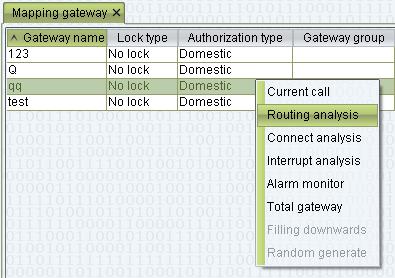
2. Put the incoming caller number and callee number(those number must be original number without gateway or phone rewrite) 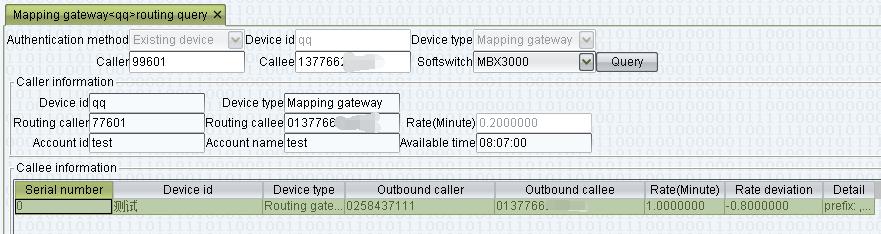
3. Click the Query, it show mapping gateway, account, available time in “Caller information”
“Routing caller” and “Routing callee” is rewrited from mapping gateway or phone
4. Under “Callee information”:
“Outbound caller” and “Outbound callee” is rewrited form routing gateway.
If routing gateway had clearing account and fee rate, it show “Rate deviation”, that is profit.