Generate reports manually
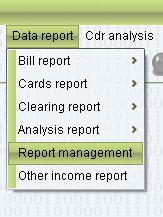
1. Select the “Report management > Date report”
2. Set the filter condition (Begin time&End time)
Select the data which need generate the report, right click, it can select generate all the report or specified report. 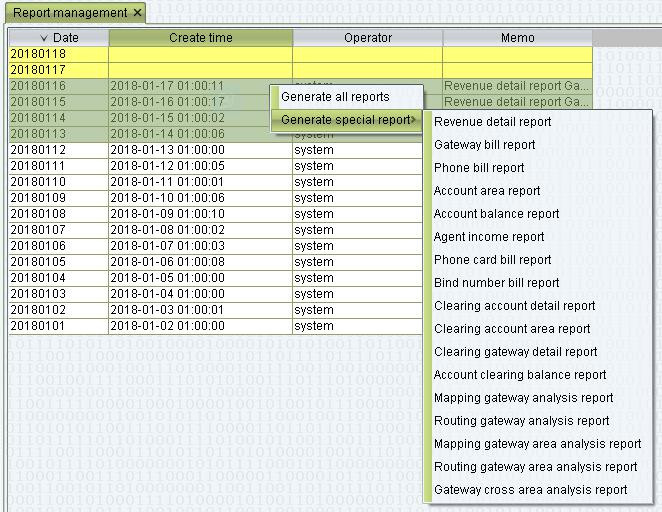
Generate reports automatically
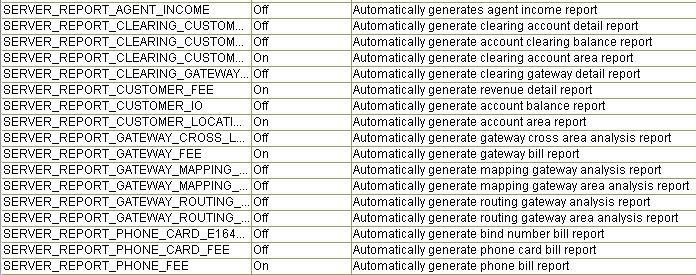
1. Open or close the config in “Systeam management > Systeam parameter”
2. If you open the config, today’s reports wiil be generated on next day 1 am.