
Double-click “System management > Data maintenance” 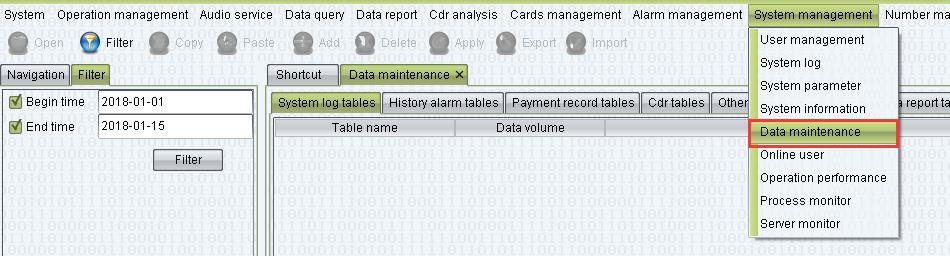
Choose history data you want to clear
For example: clear cdr
Choose “Cdr tables”, then choose “Begin time” and “End time” and choose filter
Notice: if begin time and end time not choose, it mean’s filter all cdr tables 
choose cdr tables time you want to clear, then choose Delete and choose Apply.
notice: the “system log” tables can’t be cleared