
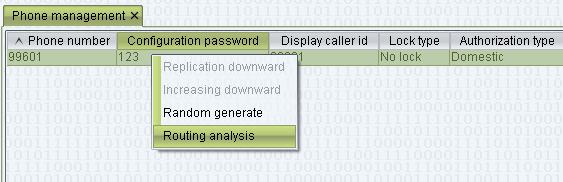
1. Create agent user
Double-click “System management > User management”
For example: add user name is “user”, the user type is agent, following figure: 
Give the Login name “user” privileges, choose edit, you can use vos3000 authorization template or set privileges by yourself, following figure is use vos3000 authorization template to give user authorization 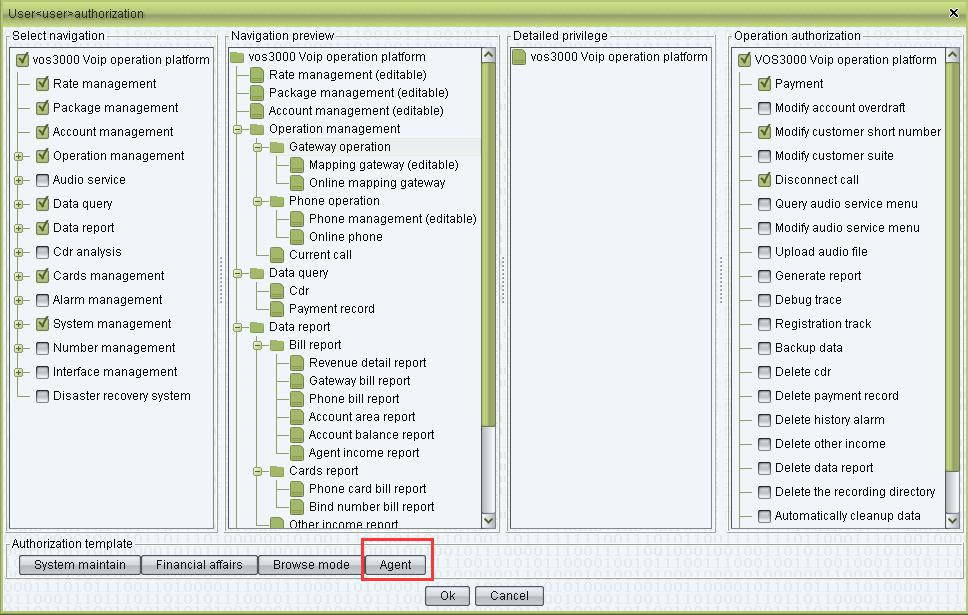
2. Creat agent account (account type is general)
For example: account id is “agent”, following figure: 
3. The account “agent” is given to the user “user” authorization
Choose account is “agent”, then right click and choose authorization 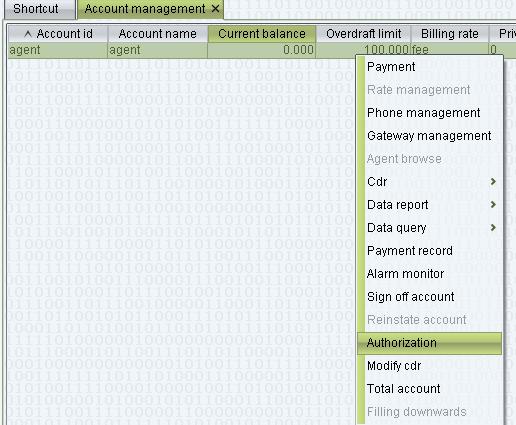
On authorization add user name is “user”, and choose user authorization for user you want., following figure: 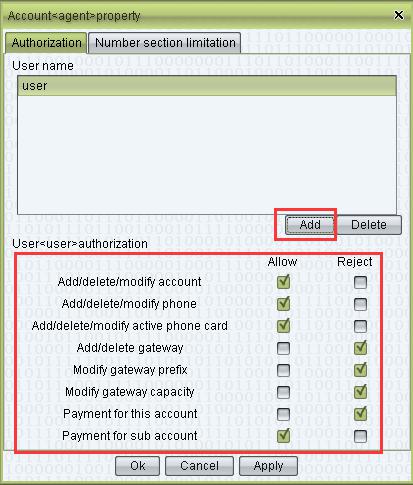
Then agent is created finish
4. Change account “agent” account category is agent
Create another account, for example: “agent_user”, then on this account agent id write account id is “agent”, following figure: 
As show above, when the filtered, Account category of account “agent” will change to agent
At last, you can login vos client by user name “user”, and manage and query user data of the agent